Threshold Alerting for Manufacturing: How to Catch Equipment Problems Before They Become Failures

Every catastrophic equipment failure was once a minor anomaly. The temperature crept up 10 degrees. The vibration level ticked slightly higher than normal. The pressure differential shifted. The signs were there — the question is whether anyone noticed before the machine stopped.
Threshold alerting bridges the gap between normal operation and failure by monitoring operating parameters against configurable limits. Done well, it gives maintenance teams hours or days of warning before equipment fails. Done poorly, it generates noise that everyone ignores.
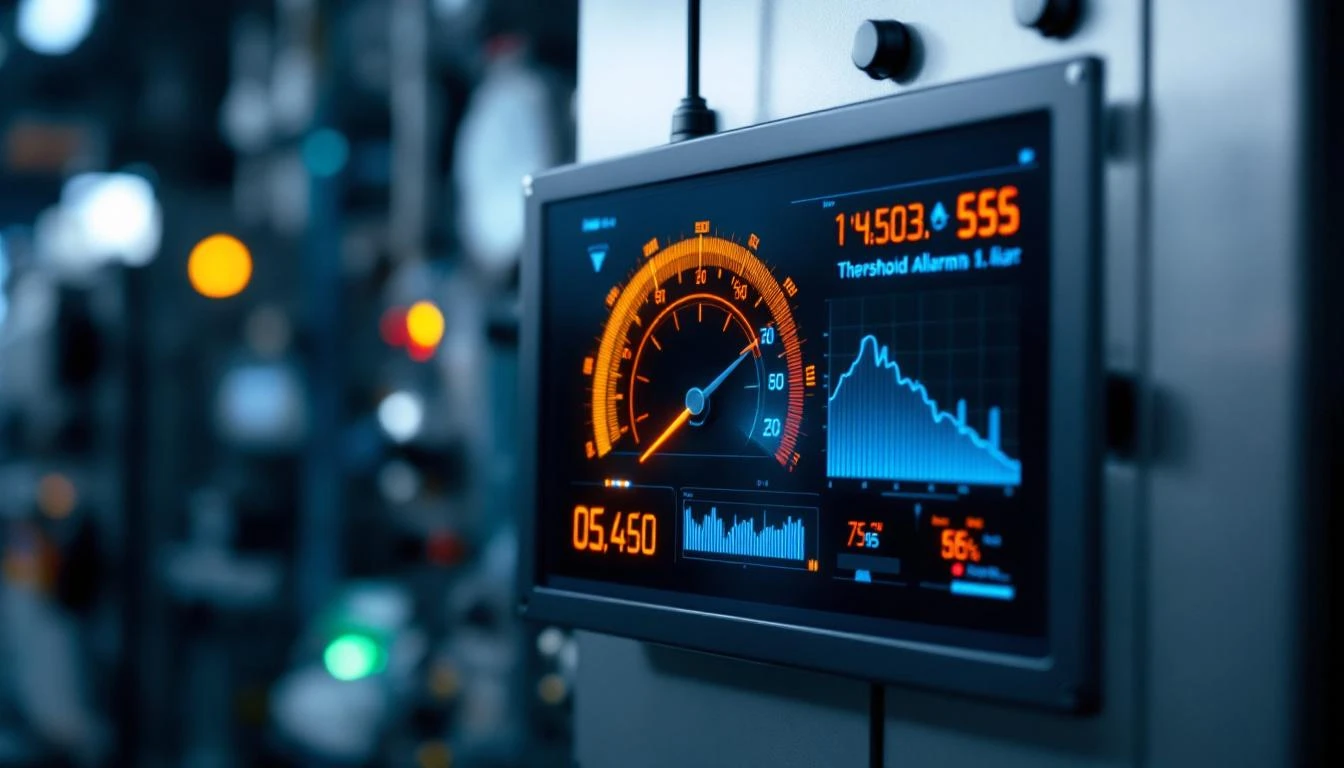
Why Threshold Alerting Matters More Than Alarm Management
Most manufacturers already have alarms. PLCs are programmed with alarm conditions that trigger when something goes wrong — motor overtemperature, high pressure, safety interlock, material jam. These alarms tell you something has already happened.
Threshold alerting is different. It watches for conditions that are approaching a problem, not just conditions that are a problem.
Consider a motor bearing that will fail at 200°F:
- Alarm-only approach: You get an alert at 200°F. The motor is already damaged. You need an emergency repair, rush-ordered parts, and you've lost production.
- Threshold alerting approach: You set an "approaching" threshold at 170°F and an "active" threshold at 190°F. At 170°F, maintenance is notified that the bearing is trending hot. They schedule a planned repair during the next maintenance window. The motor never hits 200°F.
The difference in outcomes is dramatic:
- Emergency repair: 4-8 hours downtime, rush shipping on parts, potential collateral damage
- Planned repair: 1-2 hours downtime, parts pre-staged, no surprises
According to the U.S. Department of Energy, proactive maintenance costs 3-5x less than reactive maintenance. Threshold alerting is the mechanism that makes proactive maintenance actionable.
How Threshold Alerting Works in Practice
Step 1: Identify Critical Parameters
Not every data point needs a threshold. Focus on parameters that correlate with failure modes:
- Temperatures — motor winding, bearing housing, hydraulic fluid, coolant
- Pressures — hydraulic system, pneumatic supply, process chambers
- Vibration levels — bearing vibration, spindle vibration, structural resonance
- Electrical parameters — current draw, voltage levels, power factor
- Flow rates — coolant flow, material feed rates, air supply
- Process parameters — cycle time deviation, torque levels, positional accuracy
Step 2: Set Threshold Levels
Effective threshold alerting uses multiple levels:
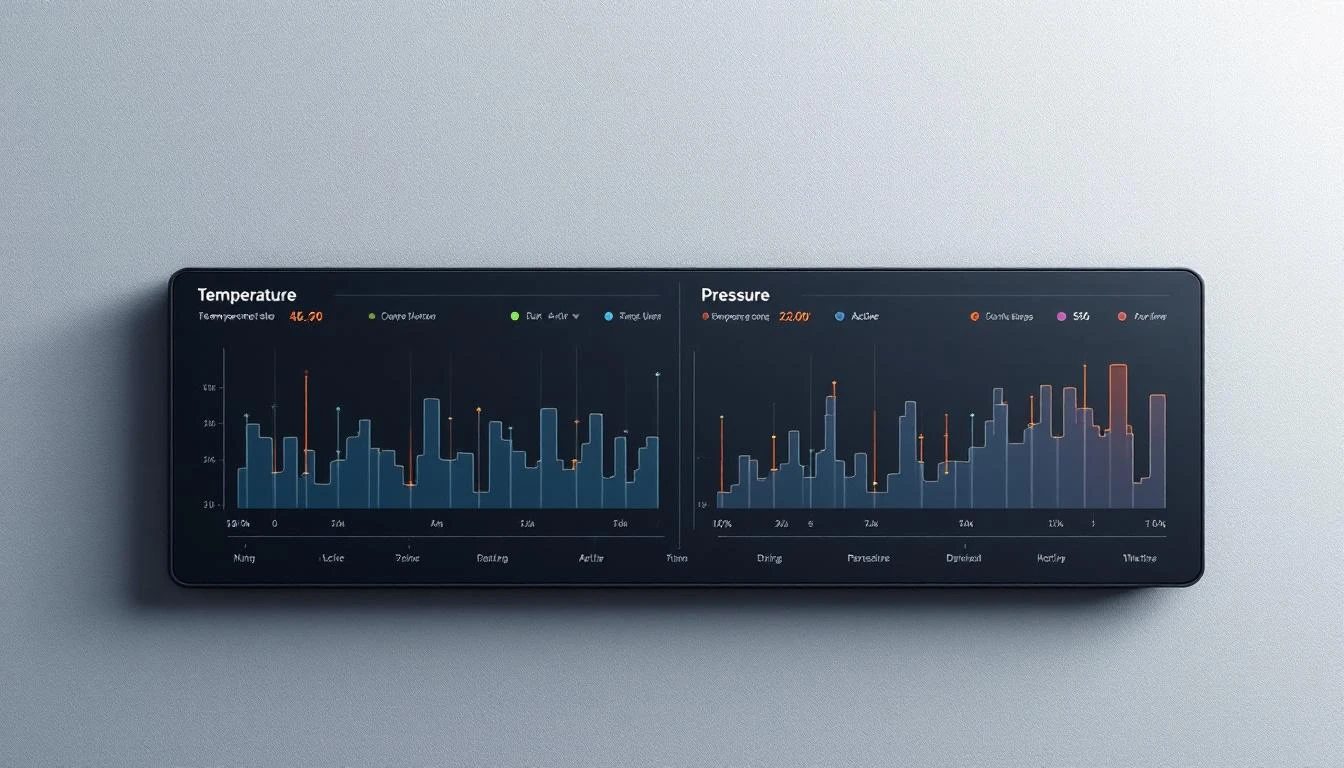
Approaching threshold — the "heads up" level. Conditions are outside normal operating range but not yet critical. This triggers a notification for the maintenance team to investigate during their next available window.
Active threshold — the "act now" level. Conditions have reached a point where maintenance should be scheduled within the current shift or production day. Continued operation is possible but not advisable.
Critical alarm — handled by the PLC itself. This is the machine's own safety interlock level where the controller shuts down to prevent damage.
The gap between "approaching" and "active" is your intervention window — the time available for planned maintenance before the situation becomes urgent.
Step 3: Configure Alert Routing
Who gets notified depends on the threshold level:
- Approaching: Dashboard indicator + email to maintenance planner
- Active: Push notification to on-shift maintenance technician + dashboard alert
- Critical: PLC triggers machine shutdown + immediate alert to maintenance supervisor and operations manager
Step 4: Track and Tune
Threshold alerting requires ongoing calibration:
- Too tight → alert fatigue (constant notifications nobody reads)
- Too loose → missed warnings (failures happen between approaching and active)
- Just right → actionable alerts that consistently provide useful intervention windows
Review threshold effectiveness monthly: How many approaching alerts turned into active alerts? How many active alerts turned into failures? Adjust thresholds to maximize the approaching-to-planned-repair ratio.
The Problem with Basic Threshold Systems
Many IIoT platforms and SCADA systems offer basic threshold alerting — you set a high limit and a low limit, and the system notifies you when a value crosses either boundary. This approach has significant limitations:
Single-Level Alerting
High/low limits are binary — either you're in range or you're not. Without approaching and active levels, every alert feels equally urgent. Maintenance teams can't distinguish between "check this eventually" and "fix this today."
No Context
A temperature reading of 175°F might be concerning for a motor bearing but perfectly normal for a hydraulic press. Basic systems alert on the number without considering what machine, what operating mode, or what's normal for that specific equipment.
No Trending
A temperature at 168°F that's been slowly climbing for three weeks is far more concerning than 168°F that's been stable for months. Basic threshold systems compare current value to limit — they don't consider trajectory.
Alert Fatigue
When every threshold crossing generates the same alarm, and there are hundreds of monitored parameters, maintenance teams learn to ignore alerts. This is the most dangerous outcome — it's worse than having no alerts at all.
What Good Threshold Alerting Looks Like
An effective threshold alerting system provides:
Approaching and Active Views
Separate views for thresholds that are approaching their limits versus those that have been actively crossed. This lets maintenance planners see what's coming while technicians focus on what's already critical.
MachineCDN's threshold system is built around this two-tier model:
- Approaching Thresholds Page — shows all parameters trending toward their configured limits, giving maintenance teams advance warning
- Active Thresholds Page — shows parameters that have exceeded their limits and need attention now
- Add Threshold Page — configure new thresholds with customizable names, values, and alert levels
- Threshold overview — consolidated view of all configured thresholds across your equipment
Machine-Specific Configuration
Different machines need different thresholds — even identical models in different environments might run at different normal ranges. Good systems let you configure thresholds per machine, per parameter, accounting for the specific operating context.
Integration with Maintenance Workflow
Threshold alerts should connect directly to your maintenance process. When an approaching threshold triggers, the ideal workflow is:
- Alert appears in approaching thresholds view
- Maintenance planner reviews and assigns investigation
- Technician inspects equipment and documents findings
- If repair is needed, spare parts availability is checked
- Maintenance is scheduled for next available window
- Post-repair, threshold returns to normal range — system confirms
MachineCDN's integration of threshold alerting with preventative maintenance scheduling and spare parts tracking closes this loop within a single platform.
Fleet-Wide Threshold Visibility
For multi-site manufacturers, threshold views should span the entire fleet. If three motors across two plants are all approaching temperature thresholds simultaneously, that pattern suggests a systemic issue (contaminated lubricant batch, vendor quality problem, environmental change) rather than three independent events.
Setting Effective Thresholds: Practical Guidelines
Start with Equipment Documentation
Manufacturer specifications provide maximum rated operating parameters. Set your active threshold at 80-90% of the rated maximum, and your approaching threshold at 60-70%.
Example for a motor rated to 200°F:
- Approaching: 140°F (70% of max)
- Active: 170°F (85% of max)
- PLC alarm: 195°F (equipment protection)
Baseline from Normal Operation
Before setting thresholds, collect 2-4 weeks of normal operating data. Establish what "normal" looks like for each parameter under typical production conditions. Set approaching thresholds at 2 standard deviations above the normal mean.
Account for Operating Modes
Some equipment runs hotter under heavy load, higher vibration during specific operations, or different pressure profiles depending on the product being manufactured. Thresholds should account for these legitimate variations to avoid false alarms.
Document Your Rationale
For every threshold you configure, document why that specific value was chosen. When false alarms occur (and they will), the documentation helps you tune intelligently rather than arbitrarily widening limits.
The Connection Between Threshold Alerting and Predictive Maintenance
Threshold alerting is often described as a subset of predictive maintenance, but it's more accurately the detection mechanism that enables predictive maintenance.
The predictive maintenance workflow requires three components:
- Data collection — continuous monitoring of operating parameters (MachineCDN does this through direct PLC connectivity)
- Anomaly detection — identifying when parameters deviate from normal (threshold alerting handles this)
- Action — scheduling maintenance before failure occurs (PM scheduling and spare parts management)
Without threshold alerting, data collection generates numbers that nobody acts on until something breaks. Without data collection, threshold alerting has nothing to monitor. The combination — real-time PLC data feeding into configurable threshold logic — is what makes predictive maintenance practical for everyday manufacturers.
Getting Started with Threshold Alerting
If you're moving from reactive maintenance to threshold-based monitoring:
- Identify your five most critical machines — start with equipment where unplanned downtime costs the most
- List the top 3 failure modes per machine — what breaks most often?
- Identify the parameters that predict those failures — temperature before bearing failure, vibration before alignment issues, pressure before seal failure
- Set initial thresholds conservatively — start with wider approaching and active ranges, then tighten based on actual data
- Review weekly for the first month — examine every alert: was it actionable? Too early? Too late? Tune accordingly
Ready to see threshold alerting that actually prevents failures? Book a MachineCDN demo and see approaching and active threshold views from your own machines.