How to Build a Predictive Maintenance Program from Scratch: A Manufacturing Engineer's Playbook

You know the pattern. A critical machine goes down at 2 AM. The maintenance team scrambles. Someone drives to a parts supplier that opens at 7. Production is offline for 14 hours. The plant manager asks why nobody saw it coming. You mutter something about the vibration sounding "a little off" last week. Nobody writes it down. Three months later, it happens again.
Building a predictive maintenance program breaks this cycle — permanently. Here's how to do it from scratch, without a PhD in data science, without a seven-figure budget, and without spending 18 months on a pilot that never scales.
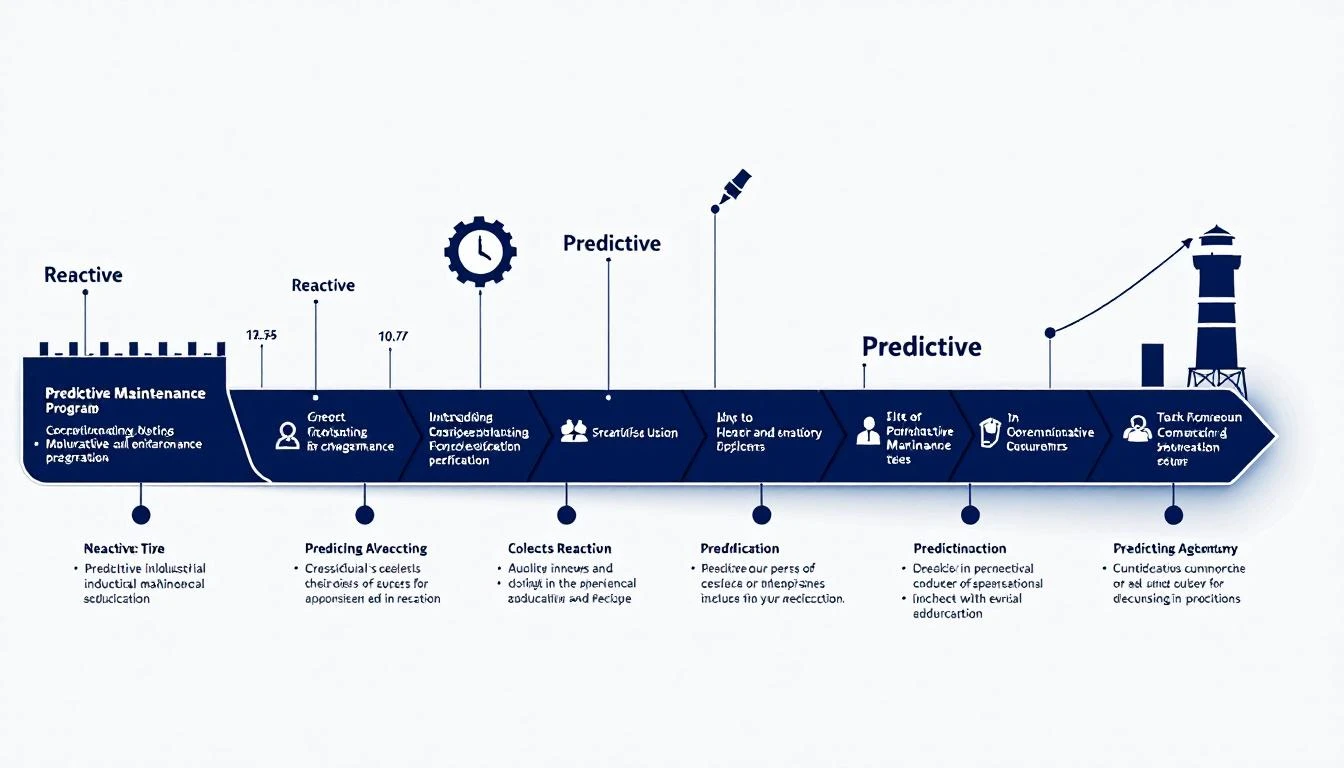
The Maintenance Maturity Spectrum
Before building anything, understand where you are:
Level 1: Reactive (Run-to-Failure) Fix things when they break. This is where 60% of manufacturing plants still operate, according to Plant Engineering's 2024 maintenance survey. It's the most expensive approach — unplanned downtime costs 10-15x more than planned maintenance.
Level 2: Preventive (Calendar-Based) Replace parts on a schedule — every 6 months, every 10,000 hours, regardless of condition. Better than reactive, but wasteful. You're replacing $800 bearings that have 60% life remaining while missing the $50 seal that's about to fail.
Level 3: Condition-Based (Real-Time Monitoring) Monitor actual equipment condition and maintain when data indicates degradation. This is where IIoT platforms like MachineCDN operate — streaming real-time data from PLCs to identify trending problems.
Level 4: Predictive (AI-Driven) Use machine learning to predict failures before any human or threshold rule would catch them. This is the destination, and it requires Level 3 as a foundation.
The critical insight: You can't skip levels. Going from reactive to predictive requires building the data infrastructure (Level 3) first. Trying to jump straight to AI without real-time data is like trying to do machine learning without a database.
Step 1: Identify Your Critical Assets
Not every machine deserves predictive maintenance. Start with the equipment where unplanned downtime hurts most.
The Criticality Matrix
Score each machine on three dimensions:
Production Impact (1-5)
- 5 = Entire line stops, no workaround
- 4 = Major bottleneck, 50%+ capacity loss
- 3 = Moderate impact, partial workaround available
- 2 = Minor impact, backup equipment available
- 1 = Non-critical, no production impact
Failure Frequency (1-5)
- 5 = Monthly breakdowns
- 4 = Quarterly breakdowns
- 3 = 2x per year
- 2 = Annual breakdowns
- 1 = Rarely fails
Repair Cost & Time (1-5)
- 5 = >$50K and/or >48 hours
- 4 = $20-50K and/or 24-48 hours
- 3 = $5-20K and/or 8-24 hours
- 2 = $1-5K and/or 2-8 hours
- 1 = under $1K and/or under 2 hours
Priority Score = Production Impact × Failure Frequency × Repair Cost
Machines scoring 60+ are your Phase 1 candidates. For most plants, this is 5-10 machines — the ones that keep the maintenance manager awake at night.

Step 2: Instrument Your Critical Assets
This is where most programs stall. Traditional approaches require:
- Vibration sensors ($500-$2,000 each, installed by technicians)
- Temperature sensors (additional wiring, signal conditioning)
- Power meters (electrician involvement, panel modifications)
- Data acquisition hardware (PLCs or standalone DAQ systems)
- Network infrastructure (switches, cabling, wireless APs)
Total cost to instrument 10 machines traditionally: $50,000-$150,000.
The Smarter Approach: Read Your PLCs
Here's the insight that changes everything: your machines are already collecting the data you need. Modern PLCs monitor motor currents, cycle times, temperatures, pressures, positions, and fault codes. That data exists — it's just trapped inside the PLC, visible only on the local HMI.
An IIoT platform like MachineCDN connects directly to your PLCs via Ethernet/IP or Modbus, reads those tags in real-time, and streams them to the cloud. No additional sensors required. No electrician visits. No network infrastructure changes.
Time to instrument 10 machines with MachineCDN: 1-2 hours total. Connect edge devices, configure tags, data flows.
What Tags to Monitor
Start with these universal indicators:
- Motor current — rising current indicates bearing wear, belt slippage, or mechanical binding
- Cycle time — increasing cycle time signals mechanical degradation
- Temperature — bearing, hydraulic fluid, and spindle temperatures
- Vibration (if available from the PLC) — classic indicator of rotating equipment health
- Pressure — hydraulic pressure drops indicate pump wear or leak development
- Fault codes — frequency and type of soft faults predict hard failures
- Power consumption — energy per part trends upward as machines degrade
Step 3: Establish Baselines (The 30-Day Soak)
Once data is flowing, resist the urge to set alarms immediately. You need baselines.
What "Normal" Looks Like
Run data collection for 30 days across all operating conditions:
- Different shifts — morning, afternoon, night crews operate machines differently
- Different products — part changes create different load profiles
- Different ambient conditions — summer vs. winter, humidity changes
- Startup vs. steady-state — cold machines behave differently than warm ones
During this soak period, document:
- Mean values for each tag during steady-state operation
- Standard deviation — how much natural variation exists
- Correlations — which tags move together (temperature rises when current rises)
- Anomalies — anything unusual, even if it didn't cause a failure
Setting Initial Thresholds
After 30 days, set your first thresholds:
- Warning (approaching): Mean + 2 standard deviations
- Critical (active alarm): Mean + 3 standard deviations or manufacturer-specified limits
MachineCDN's threshold alerting system lets you configure both approaching and active states, so you get early warnings before critical alarms. This graduated approach gives maintenance teams time to plan rather than react.
Step 4: Build Your Failure Library
This is the step that separates programs that fizzle from programs that scale.
Every time a machine fails after you start monitoring:
- Capture the data — pull the 7-14 days of data preceding the failure
- Identify precursors — what changed? Current trended up 15%? Cycle time increased 8%? Temperature spiked during startup?
- Document the failure mode — what physically failed? (bearing, seal, belt, electrical component)
- Calculate lead time — how many days/hours before failure did the precursor appear?
- Create a detection rule — "When motor current exceeds X for Y consecutive readings, schedule inspection within Z days"
Example Failure Signatures
Bearing failure (CNC spindle):
- Precursor: Vibration amplitude increases 20% over 10-14 days
- Secondary: Spindle temperature rises 5-8°C above baseline
- Lead time: 2-3 weeks from first detectable change
- Rule: Vibration > baseline + 15% → schedule bearing inspection within 1 week
Hydraulic pump wear (injection molder):
- Precursor: Hydraulic pressure drops 5-10% during injection phase
- Secondary: Cycle time increases as pump compensates
- Lead time: 4-6 weeks from first detectable change
- Rule: Pressure drop > 5% from baseline → schedule pump inspection within 2 weeks
Belt slip (conveyor):
- Precursor: Motor current spikes during startup increase 10-15%
- Secondary: Speed feedback doesn't match commanded speed
- Lead time: 1-2 weeks
- Rule: Startup current spike > baseline + 10% → inspect belt tension within 3 days
After 12 months, you'll have 20-50 failure signatures documented. This library IS your predictive maintenance program.
Step 5: Integrate with Your CMMS/EAM
Predictive maintenance only works if detected issues become work orders that get executed. Bridge your monitoring data to your maintenance management system:
- Automated work order generation — when a threshold triggers, create a work order in your CMMS
- Priority assignment — critical alarms = emergency work orders; approaching warnings = planned maintenance
- Parts attachment — link predicted failure modes to required spare parts (MachineCDN's spare parts tracking helps here)
- Scheduling integration — slot predicted maintenance into planned downtime windows
If you're running a CMMS like Fiix, UpKeep, or Limble, most support API-based work order creation. If you're running paper-based maintenance, this is the forcing function to digitize.
Step 6: Train Your Team
Technology without adoption is just expensive noise. Your maintenance team needs:
For Maintenance Technicians:
- How to interpret alerts (what does "motor current approaching threshold" mean practically?)
- Where to look on the machine when each alert type fires
- How to close the feedback loop (was the prediction correct? what did they find?)
For Maintenance Planners:
- How to schedule predictive work orders alongside preventive and corrective
- How to manage spare parts based on predicted failures
- How to track prediction accuracy over time
For Plant Management:
- How to read the fleet dashboard (MachineCDN provides multi-location visibility)
- How to measure program ROI (avoided downtime, reduced spare parts spend)
- How to decide which machines to add next
Step 7: Scale and Optimize
After 3-6 months with your initial 5-10 machines, you'll have:
- Documented failure signatures
- Validated prediction accuracy (aim for >70% initially)
- Quantified avoided downtime events
- Trained maintenance team
- Proven ROI data
Now scale:
- Phase 2: Add the next 10-20 machines from your criticality matrix
- Refine thresholds — tighten thresholds on machines with established baselines
- Introduce AI — platforms like MachineCDN with Azure OpenAI can analyze patterns across your fleet that humans miss
- Cross-pollinate — failure signatures from one machine often apply to similar machines
- Benchmark — compare OEE, MTBF, and MTTR before and after predictive maintenance
Common Mistakes to Avoid
1. Boiling the ocean — don't try to monitor everything on day one. Start with 5-10 critical machines.
2. Analysis paralysis — don't spend 6 months selecting a platform. Pick one, connect a machine, see data flow. You'll know in a week if it works.
3. Ignoring the humans — the best algorithm in the world is useless if the maintenance tech doesn't trust it. Build credibility with early wins.
4. Skipping the baseline — setting arbitrary thresholds without understanding normal behavior generates false alarms that destroy program credibility.
5. Not closing the loop — every prediction needs follow-up. Was the prediction correct? What was found? What would you change? Without feedback, the program never improves.
Measuring Success
Track these metrics monthly:
| Metric | Baseline (Reactive) | Target (12 months) |
|---|---|---|
| Unplanned downtime hours | 40+/month | under 15/month |
| Maintenance cost per unit | High | -25% |
| MTBF (mean time between failures) | Low | +40% |
| Prediction accuracy | N/A | >70% |
| Spare parts inventory value | Bloated | -20% |
| Overtime maintenance hours | High | -50% |
Conclusion
Building a predictive maintenance program isn't a technology project — it's a culture shift from reactive firefighting to proactive prevention. The technology is the easy part. MachineCDN can have your critical machines streaming real-time data to the cloud in an afternoon.
The hard part is discipline: documenting failures, building your signature library, training your team, and closing the feedback loop every single time.
Start small. Prove value. Scale systematically. In 12 months, you won't remember what reactive maintenance felt like.
Ready to connect your first machine? Book a demo with MachineCDN and start building your predictive maintenance program today.
Related reading: